Malicious RTSP Server Reaches Code Execution on TP-Link TL-WR940N v6
TP-Link TL-WR940N hardware revision 6 can let an unauthenticated attacker turn a LAN client's outbound RTSP session into code execution inside the router kernel.
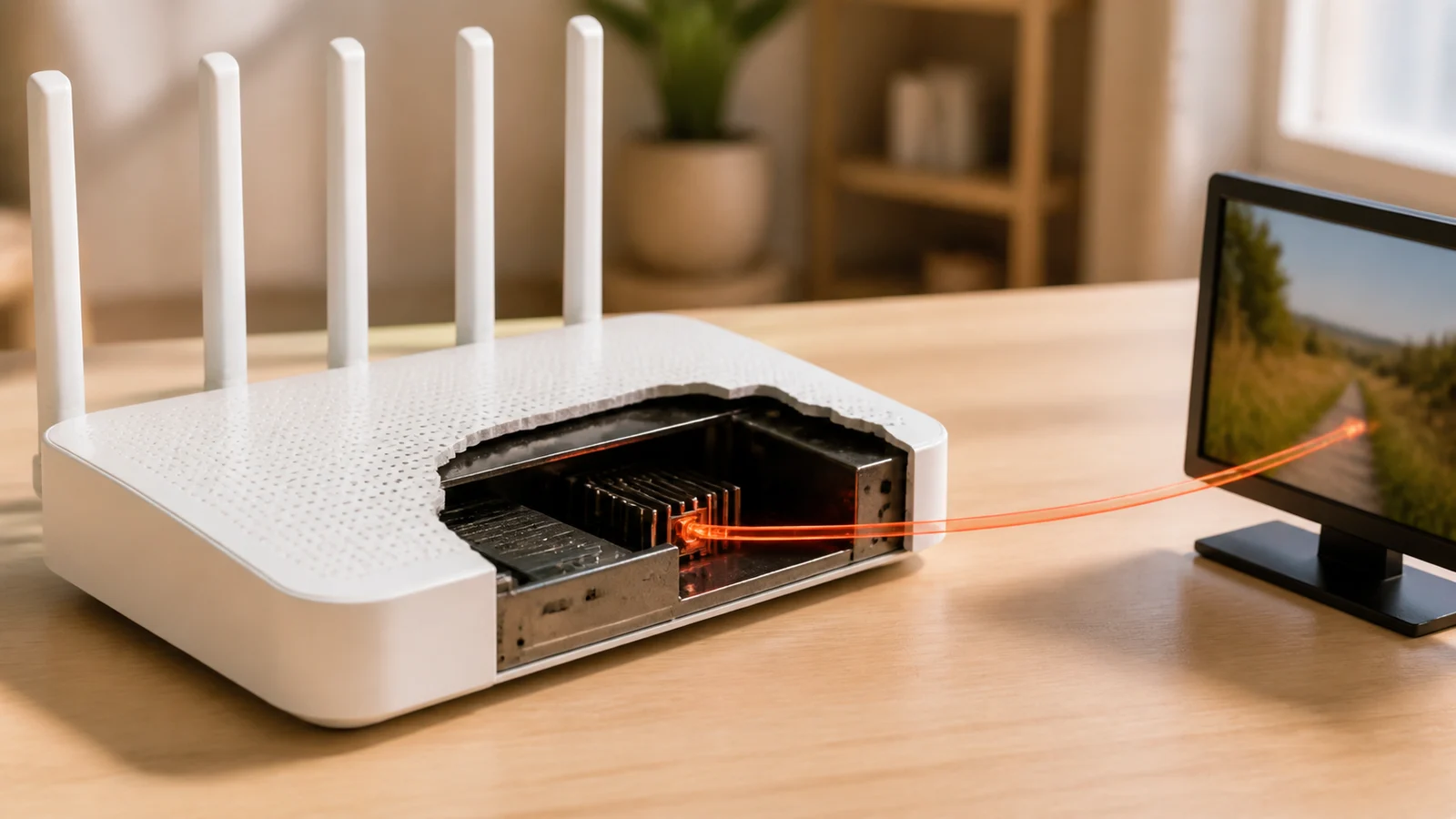
TP-Link has fixed an unauthenticated remote-code-execution flaw in TL-WR940N hardware revision 6. Owners of that revision are affected when the router runs firmware older than the regional fixed build: V6_260528 for English and US devices, or V6_260527 for Japan.
The entry path is unusual. An attacker does not begin by signing in to the router or sending a request to its management page. A device on the LAN connects to a malicious Real Time Streaming Protocol server, and the server sends back a crafted RTSP message. The router’s connection-tracking module inspects that reply in the kernel, where improper memory handling can produce a stack buffer overflow, a crash, or code execution that compromises the router.
The hostile input arrives inside a permitted session
RTSP supports setup and control of streamed media. Like other connection-tracking helpers, the router’s RTSP module examines application-layer traffic so it can understand related network flows. That inspection makes the router more than a passive forwarder: it parses a server response even though the conversation began with an outbound connection from a LAN client.
According to TP-Link, CVE-2026-12935 is triggered when a LAN client initiates a connection to an attacker-controlled RTSP server. The server returns a specially crafted message, and the router’s RTSP conntrack module handles it incorrectly. The resulting stack-based buffer overflow occurs in a kernel module, not in the client application that opened the stream.
Blocking unsolicited inbound management traffic still allows the crafted reply through the client’s outbound RTSP session. The attacker needs a client behind the router to connect to the malicious server, which the CVSS vector records as user interaction, but the attacker needs no router account. A link, media application, embedded device, or other client behavior could supply the outbound leg; TP-Link’s public advisory does not specify the delivery method.
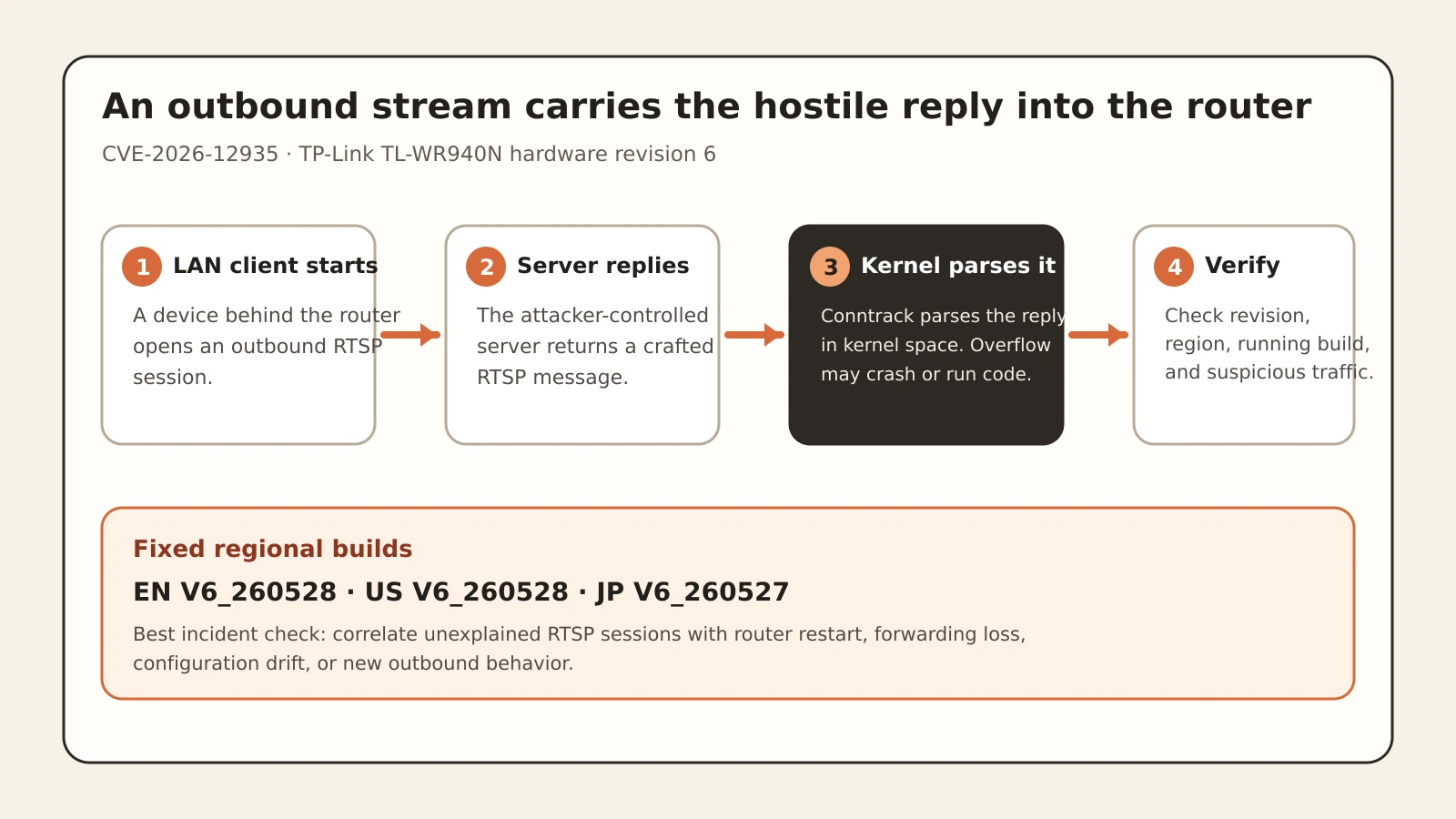
Figure details
A LAN client starts an outbound RTSP session to an attacker-controlled server. The server sends a crafted RTSP reply through the established flow. The TL-WR940N v6 router's RTSP connection-tracking module parses the reply in the kernel, where a stack buffer overflow can crash the device or permit code execution. Defenders verify that hardware revision 6 runs regional firmware EN or US V6_260528, or JP V6_260527, and investigate suspicious RTSP sessions followed by router failures.
Code Execution Risk and Exploitation Status
TP-Link rates the vulnerability 8.7 under CVSS 4.0 and says successful exploitation may cause denial of service or remote code execution, potentially resulting in full device compromise. The score’s PR:N element reflects that no privilege is required, while UI:P captures the need for a client to participate by starting the connection.
The advisory does not say that attackers are exploiting CVE-2026-12935 in the wild. It also does not provide a proof of concept, a byte-level signature, a named malicious server, or a post-exploitation artifact. Treat remote code execution as a vendor-confirmed impact, not as evidence that every crash or RTSP session represents compromise.
The affected scope is similarly precise. TP-Link names the TL-WR940N v6, not every router sold under the TL-WR940N name and not every TP-Link product with an RTSP helper. Use firmware for the exact hardware revision; another revision’s firmware is not interchangeable.
Inventory the chassis before trusting the firmware list
Start with the physical label or the router’s administration interface and record the exact model, hardware revision, region, and running firmware. Prioritize units labeled TL-WR940N Ver: 6.x. Do not infer revision from the product name alone, and do not install firmware intended for a different region or hardware release.
For revision 6, compare the running build with TP-Link’s fixed entry for that region. The advisory lists (EN)_V6_260528, (US)_V6_260528, and (JP)_V6_260527. Download firmware through the regional TP-Link support route linked by the advisory, apply it using the vendor’s instructions, then reconnect to the management interface and verify the running build.
If an immediate update is impossible, reduce exposure by controlling which clients can reach untrusted RTSP services and by segmenting cameras, media devices, and other systems that initiate streaming sessions. Network controls are containment, not a substitute for the fixed firmware: RTSP can be carried in ways that a simple port-only rule may miss, and the vendor does not present a configuration workaround as equivalent to its update.
Correlate RTSP traffic with router failure
Preserve router logs, firewall records, DNS history, flow telemetry, packet captures, DHCP assignments, and endpoint telemetry covering the vulnerable period before rebooting or updating where incident response permits. Search for LAN clients opening unexplained external RTSP sessions, commonly associated with TCP port 554, then correlate those sessions with an unexpected router restart, loss of forwarding, configuration change, or new outbound behavior from the router’s address.
Port 554 alone cannot confirm or rule out exploitation. The vendor describes the protocol and crafted reply, not a universal destination port or signature. Where full packets are available, retain both directions of the session for analysis. Where only flow logs exist, document that the triggering server response cannot be reconstructed.
After a suspicious crash or unexplained configuration change, assume that installing fixed firmware cannot prove the earlier device state was clean. Reset or rebuild the router using trusted vendor firmware, restore only reviewed configuration, replace administrative credentials, verify DNS and remote-management settings, and inspect downstream clients for the behavior that initiated the session. Review exposure of credentials or traffic that crossed the router during the uncertain period.
Verify Firmware and Investigate Router Activity
Map every TL-WR940N to its hardware revision and region. Verify that each revision 6 unit reports the correct fixed build or has been retired, and account for unsupported or unreachable devices. Investigate suspicious RTSP sessions, router failures, configuration drift, and unexpected router-originated traffic before completing the incident assessment.
If telemetry does not cover the vulnerable interval, state that gap directly. A clean current configuration does not reconstruct an unlogged kernel crash. Retain the exact hardware and firmware inventory, verified running build, and reviewed router configuration and credentials. Use network evidence to investigate the exposure window; if that evidence is insufficient, document the uncertainty and the decision to rebuild.